Why Digital Security Matters More When You Travel
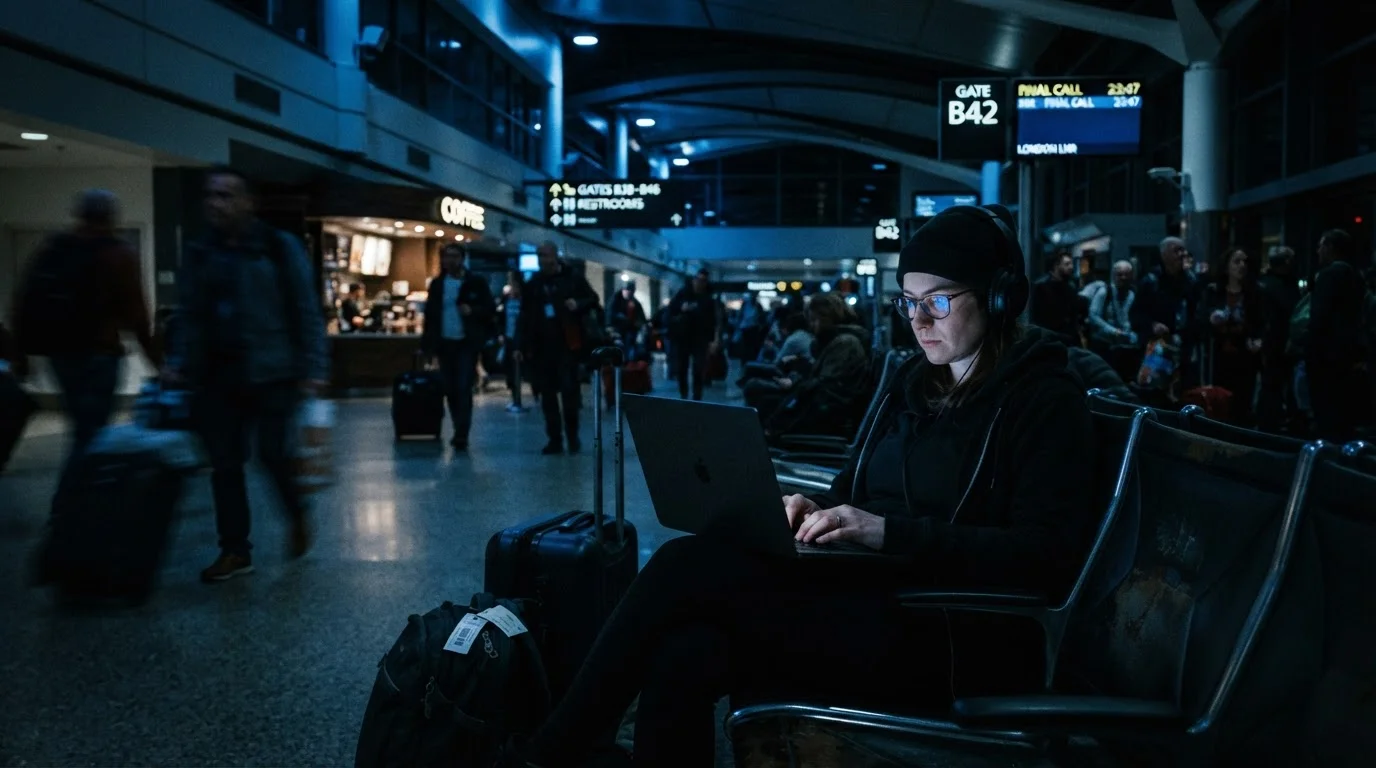
When you're navigating new cities, juggling bookings, and accessing bank accounts from your phone, your digital footprint expands fast - often in environments far less secure than your home network. Airports, hotels, cafés, and hostels are hotspots for what security researchers call man-in-the-middle attacks, where someone intercepts data flowing between your device and the internet.
The stakes are real. Exposed login credentials, cloned payment details, and hijacked email accounts can ruin a trip and take weeks to resolve. The good news? Most risks are preventable with straightforward habits that don't require a tech background.
This guide is designed for everyday travelers - not IT professionals. Whether you're heading on a weekend city break or a months-long backpacking trip, these practices will help you stay in control of your data on the road. For solo travelers especially, digital security is one dimension of broader safety preparation - see our first-time solo travel guide for a fuller picture.
25%
Public Wi-Fi users who've had data compromised
According to a Norton Cyber Safety Insights Report, roughly one in four public Wi-Fi users globally has experienced data interception or a related security incident.
80%
Of breaches involving stolen or weak credentials
Verizon's Data Breach Investigations Report has consistently found that credential compromise accounts for the large majority of unauthorized account access incidents.
The Core Practices That Make the Biggest Difference
Security habits don't have to be complicated. The following practices cover the most common vulnerabilities travelers encounter - implement even half of them and you'll be significantly better protected than the average tourist on public Wi-Fi.
Use a reputable VPN whenever connecting to public Wi-Fi
A VPN (Virtual Private Network) encrypts all data leaving your device, making it unreadable to anyone intercepting traffic on the same network. Without one, login credentials and payment details sent over public Wi-Fi can be captured using freely available tools. Most VPN apps are simple to activate with a single toggle.
Enable two-factor authentication (2FA) on email, banking, and social accounts
Two-factor authentication requires a second verification step - usually a code sent to your phone - before granting account access. Even if someone captures your password, they cannot log in without the second factor. This one step stops the majority of credential-based account takeovers.
Keep device software and apps fully updated before and during travel
Software updates frequently patch security vulnerabilities that hackers actively exploit. Outdated operating systems are a common entry point for malware, particularly on devices used on unsecured networks. Running updates before departure ensures you're protected against known weaknesses.
Enable remote wipe and device-find features on all travel devices
If your phone or laptop is stolen, remote wipe allows you to erase all personal data before it's accessed. This protects stored passwords, photos, payment apps, and documents. Setup takes minutes at home but is unavailable after a device goes missing.
Avoid accessing sensitive accounts on shared or hotel computers
Computers in hotel business centers, internet cafés, and libraries may have keylogging software installed - malicious programs that silently record every keystroke. Using these machines for banking or email is a significant risk even if the connection appears secure.
Use a password manager and unique passwords for each account
Reusing passwords across accounts means a single breach can cascade into multiple compromises. Password managers generate and store complex, unique passwords so you don't have to remember them - and they work across devices. If one account is exposed, the others remain safe.
Quick Actions Before You Leave Home
The best time to secure your digital life is before you board. Running through a pre-departure checklist takes less than an hour and dramatically reduces your exposure abroad.
Back Up Before You Board
Back up all devices to a secure cloud account or external drive before leaving home. If a device is lost or wiped remotely, you won't also lose irreplaceable photos, documents, or contacts. This takes under 30 minutes and is easy to overlook in the pre-trip rush.
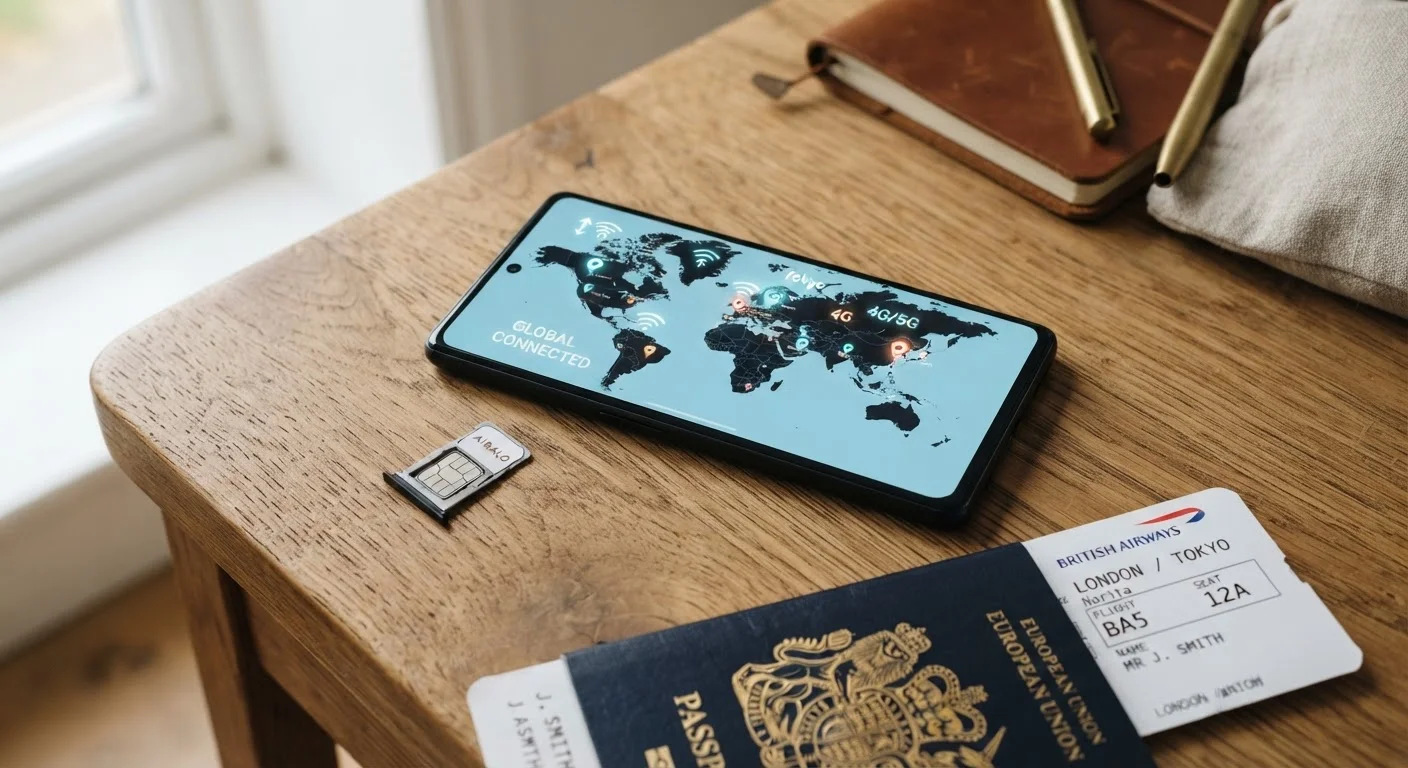
One often-overlooked option: consider using a travel eSIM or local SIM card for mobile data instead of relying on hotel or café Wi-Fi. Cellular data is far more difficult to intercept than open Wi-Fi networks, making it a genuinely useful security upgrade - not just a convenience choice.
If Something Goes Wrong Abroad
Even careful travelers can face device theft, account compromise, or data breaches. Knowing what to do in advance prevents panic from compounding the problem.
If a device is stolen, use a previously saved remote-wipe option (such as Find My on Apple devices or Find My Device on Android) to erase sensitive data immediately. Change passwords for email and banking accounts from a trusted, secure device as quickly as possible - prioritize email first, since it's often the master key to everything else.
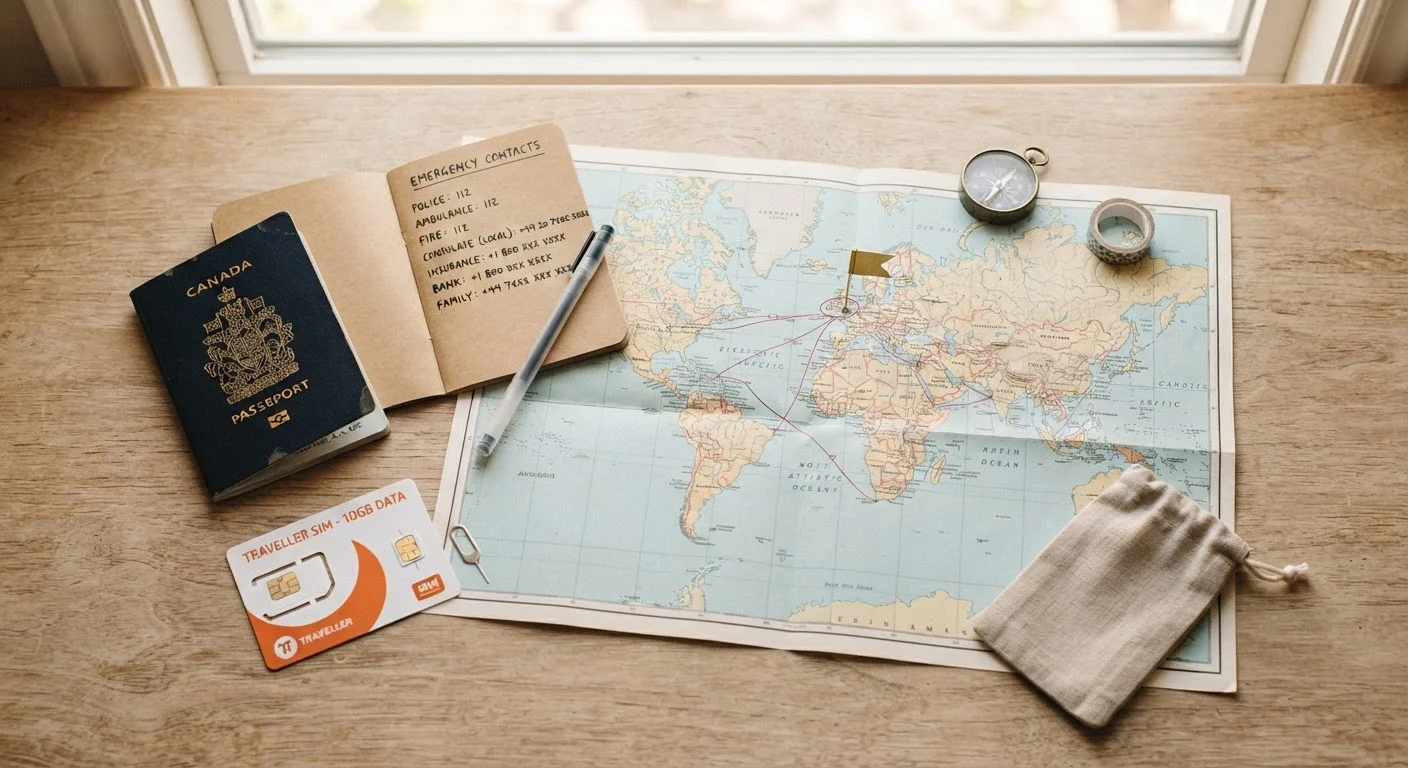
Report theft to local police for insurance documentation, and contact your bank to flag any cards stored on the device. Our global emergency numbers and travel resources guide is a useful reference for reaching embassies and assistance services quickly.
Travel Insurance and Cyber Incidents
Some travel insurance policies include limited coverage for losses resulting from digital theft or fraud abroad - but coverage varies widely. Review your policy's terms carefully before travel, and ask your insurer directly whether identity theft or unauthorized financial transactions are covered. This is general information only; consult your insurer or a licensed professional for advice specific to your situation.
Financial exposure from travel incidents can extend beyond the obvious - it's worth reviewing our piece on hidden travel costs to make sure identity recovery expenses and device replacement are factored into your planning.